These are the FreeLLMAPI setup steps from the Reel, expanded with the official commands and the limits the project itself publishes. Every command below is ready to copy.
Quick answer: how to set up FreeLLMAPI
FreeLLMAPI is an open source, self-hosted router. You add your own free-tier LLM API keys. It gives you one local endpoint that is compatible with the OpenAI API, plus an Anthropic-style messages endpoint so Claude Code can use that pool.
To set it up:
- Install it with the official Docker one-liner, Docker Compose, or the desktop app.
- Open
http://localhost:3001, add your provider keys on the Keys page, and copy the unified API key from the header. - Connect a client. For Claude Code, the official command is
npx freellmapi setup-claude --url http://localhost:3001 --api-key [YOUR_UNIFIED_KEY]. - Send a test request with
modelset toauto.
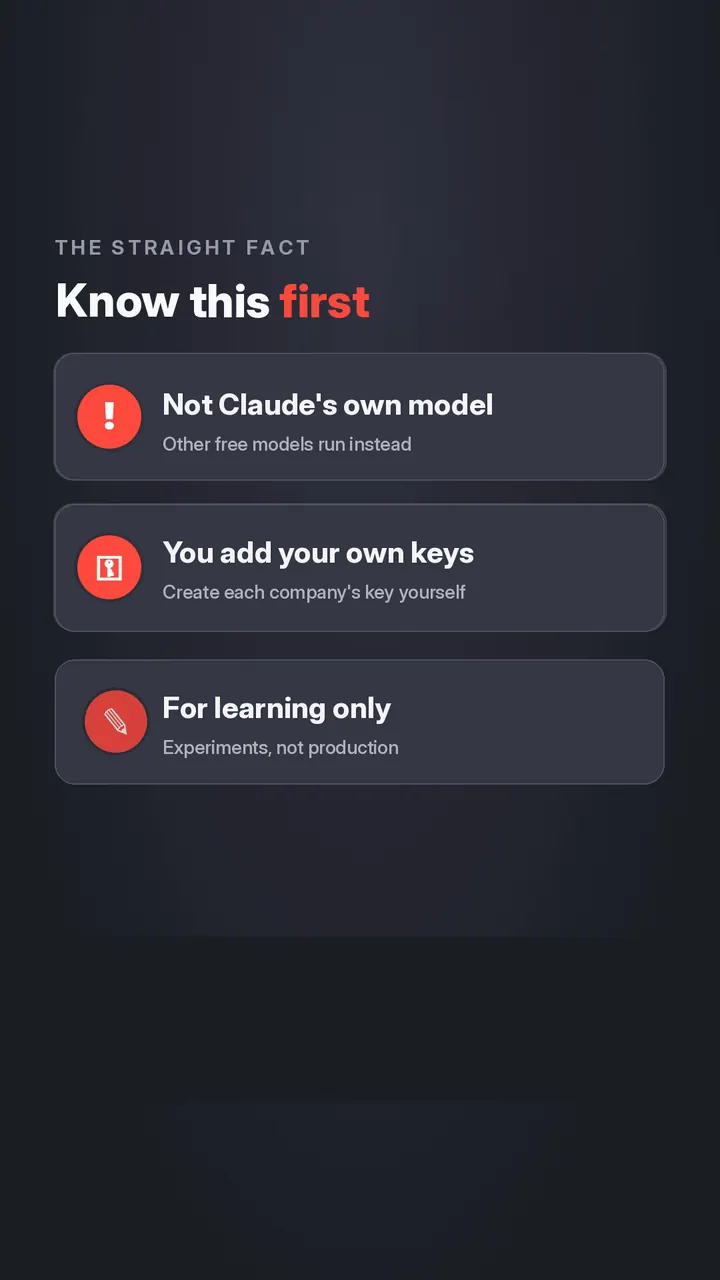
This does not run Claude's own models. It is for personal experiments and learning, not production. Or use the Setup Builder to fill the commands for your install method and client.
Setup Builder
Pick how you want to install FreeLLMAPI and which client you will use. Tap Build my setup commands to get copy-ready install, connect and test commands filled in for your machine. Nothing you type is sent to a server. It stays in your browser.
MAKE IT YOURS
Add your own provider keys in the dashboard before you test a request. FreeLLMAPI does not run Claude's own models. It routes to the free-tier models of the keys you add. The official project says this is for personal experiments and learning, not production.
Key takeaways
- FreeLLMAPI is a local router, not a company that gives you a private 10 billion token budget.
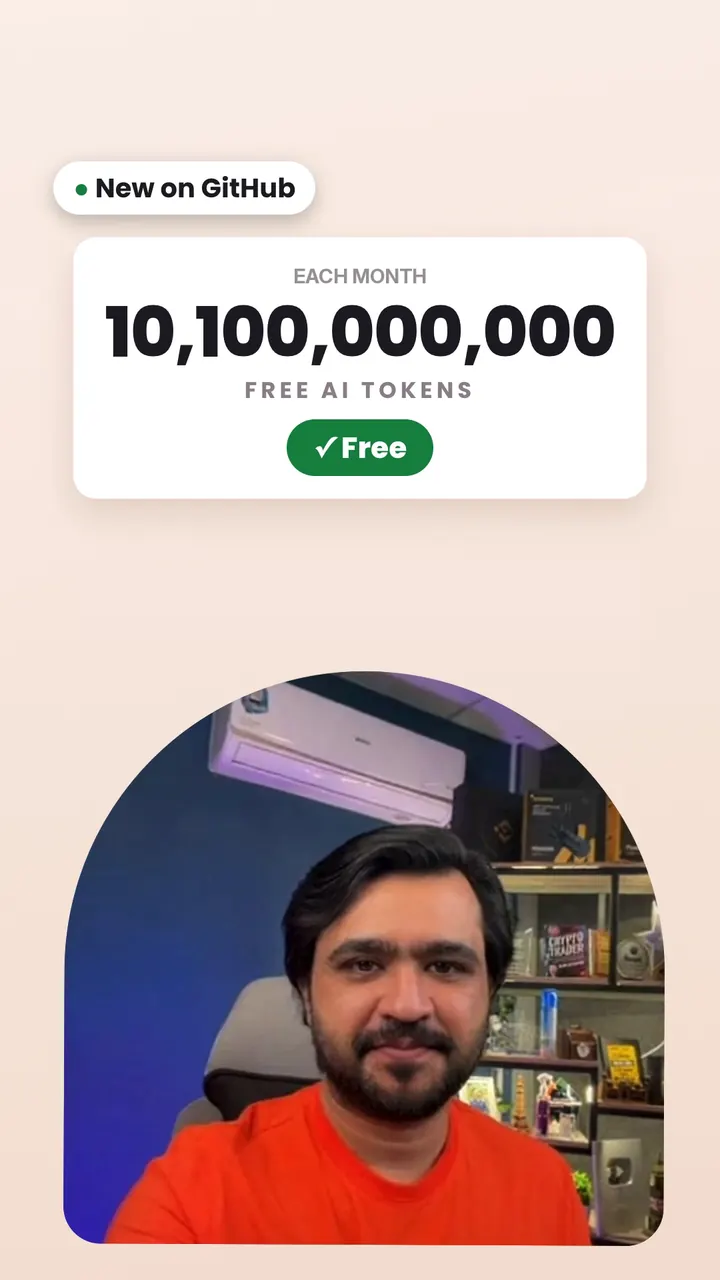
- You only get the free quota of the keys you add. The "about 10.1 billion tokens a month" figure is listed combined catalog capacity, checked on 26 Nov 2026.
- Claude Code can connect. Claude's own models do not run through this pool.
- Official install needs Docker (or the desktop app). Read the install script before you pipe it to bash if you prefer.
- The official Claude Code command includes
--urland--api-key. The Reel shows a shorter form. - The official disclaimer: use this for learning and experiments. Swap to a paid API before you ship anything real.
- Keep the dashboard on localhost unless you are on a trusted network.
What FreeLLMAPI is
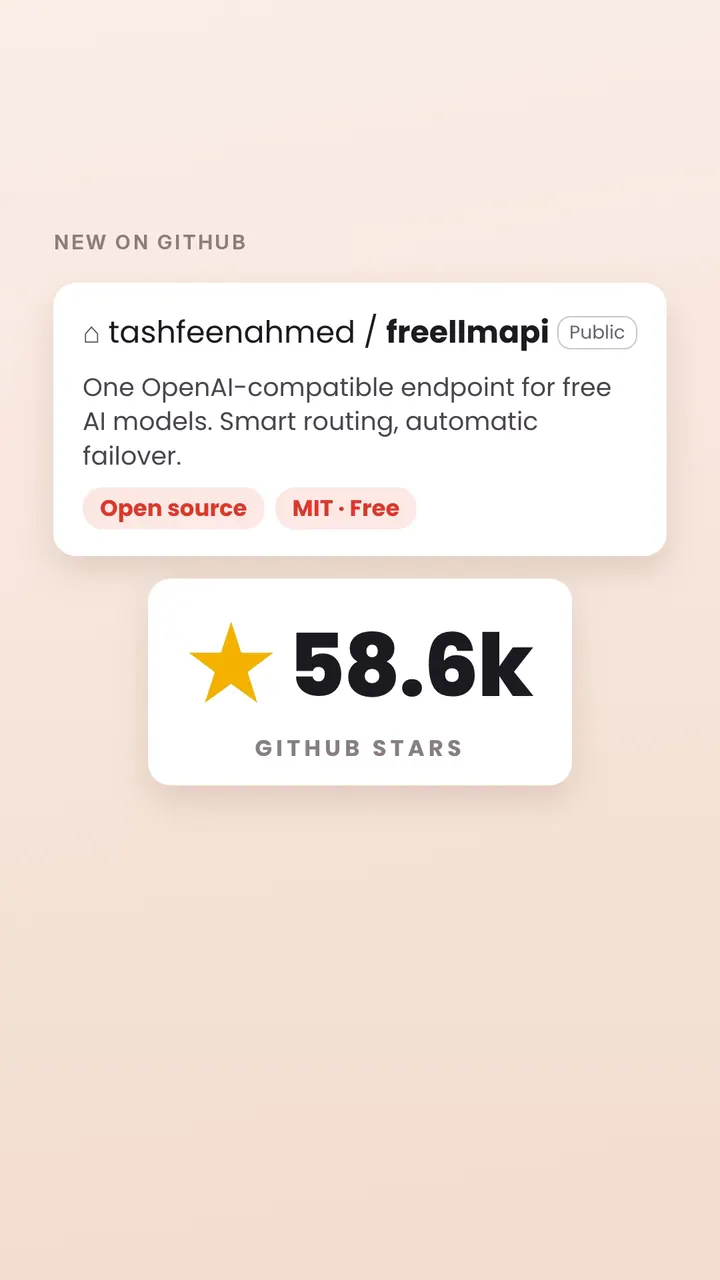
The project lives at github.com/tashfeenahmed/freellmapi and freellmapi.co. It is MIT-licensed. You run it on your own machine.
In plain terms, it does four useful things:
- Stores the provider keys you add, encrypted at rest.
- Exposes one OpenAI-compatible API at
http://localhost:3001/v1. - Also exposes
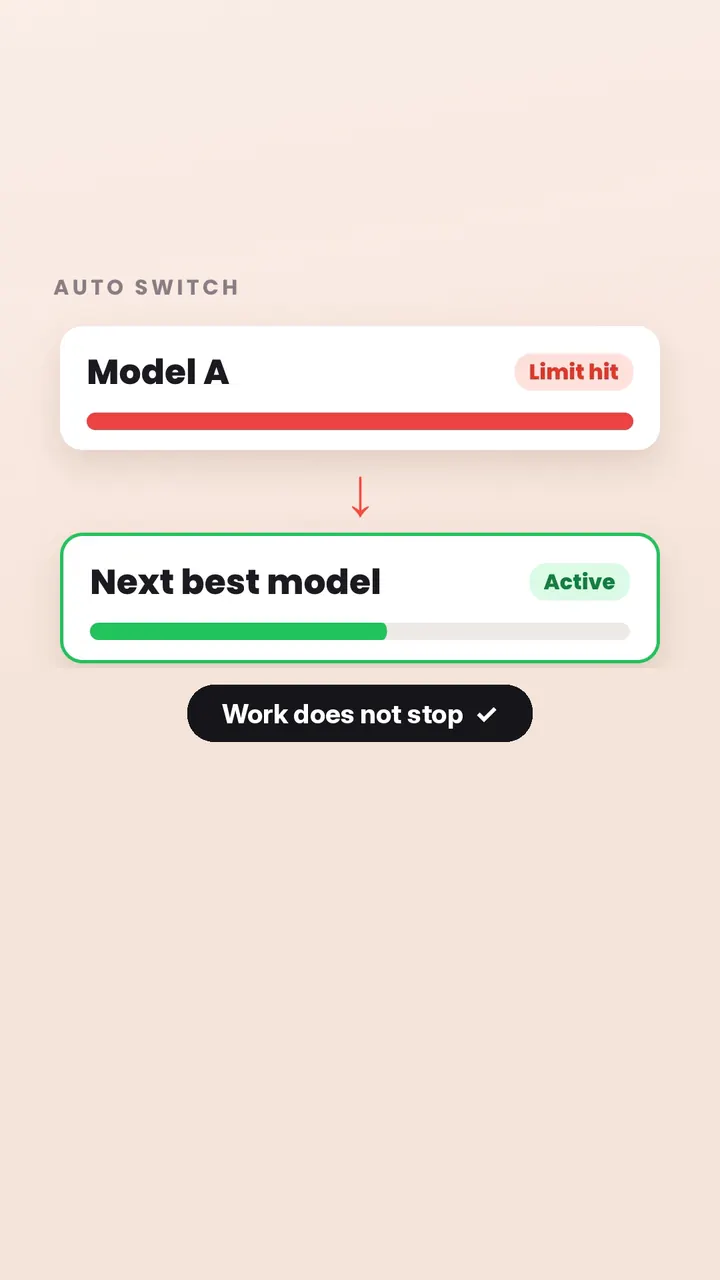
/v1/messagesso Anthropic-style clients such as Claude Code can talk to the free-tier pool (not to Claude models). - Routes and fails over when a key hits a 429 or a 5xx error, and tracks per-key quota.
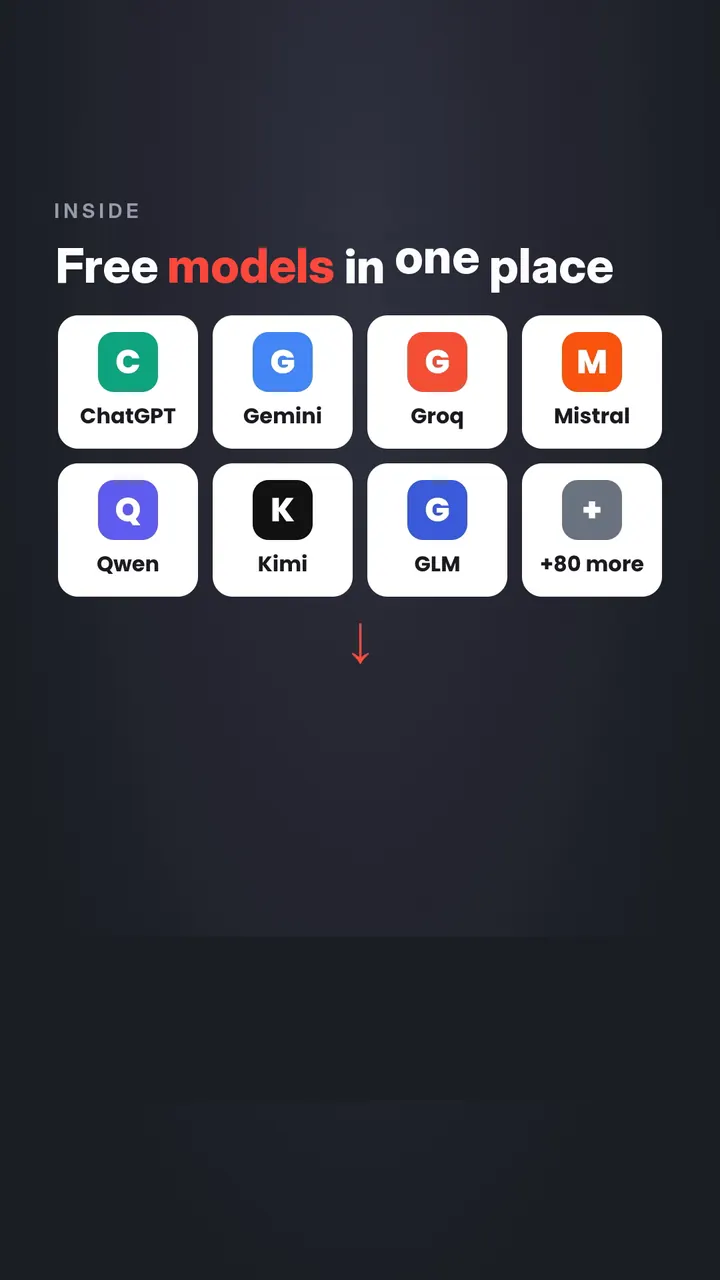
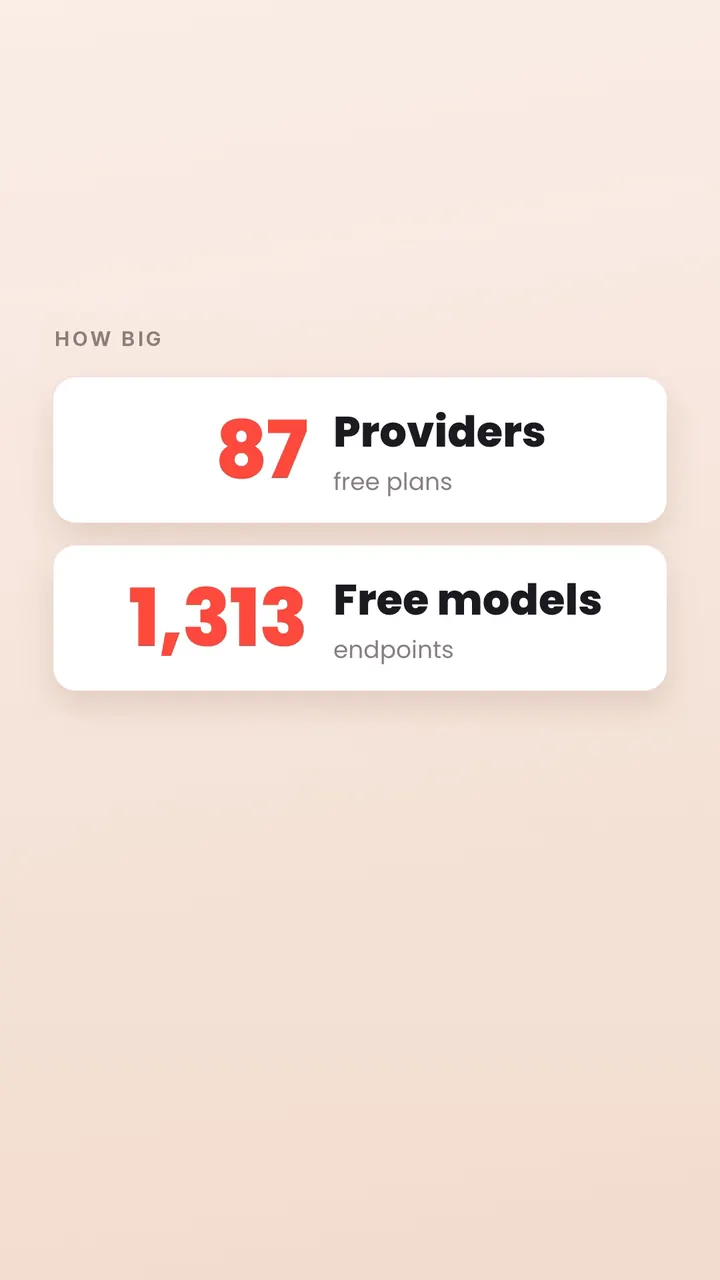
As of the official docs checked on 26 Nov 2026, the catalog tracked about 87 providers, 736 model families, and 1,313 free endpoints, with roughly 10.1 billion tokens a month of listed combined free-tier capacity. Browse the live list at freellmapi.co/models. Those numbers change. They are not a promise of what one person will receive.
Free installs use a monthly catalog snapshot. A model joins that snapshot 30 days after it lands in the live feed. A Premium live catalog is optional ($19 a year, or $49 once, according to the official site when this page was written). The router itself stays free and MIT-licensed either way.
What you need
| Tool | You use it to | Cost, honestly |
|---|---|---|
| Docker, or the FreeLLMAPI desktop app | Run the local router and dashboard | The software is free. Docker Desktop and app stores have their own terms. |
| Free-tier keys from the providers you want | Give the router something to call | Each company sets its own free limits. You create those keys yourself. |
| A unified API key from the dashboard | Point Claude Code, curl, or an OpenAI SDK at localhost | Created locally after install. Keep it private. |
| Claude Code or any OpenAI-compatible client | Send requests through the router | The client you already use. Claude Code is not the same thing as Claude's paid API models. |
Optional: Premium live catalog at the official price on freellmapi.co. You do not need it to try the setup.
Step 1: Install FreeLLMAPI on your machine
DO THIS
- Install Docker if you want the one-liner or Compose path. Or skip Docker and use the desktop app.
- Copy one of the official install commands below.
- Paste it into your terminal and run it.
- When it finishes, open http://localhost:3001 in your browser.
# Prefer to read the script first: https://freellmapi.co/install.sh
curl -fsSL https://freellmapi.co/install.sh | bash
The official one-liner sets up ~/freellmapi, generates an encryption key, pulls the image, and starts the container. Re-running it is safe: your .env and encryption key are preserved, and the container updates to the latest image. You can override defaults with FREELLMAPI_DIR, PORT, or HOST_BIND.
git clone https://github.com/tashfeenahmed/freellmapi.git
cd freellmapi

# Generate an encryption key for at-rest key storage
ENCRYPTION_KEY="$(openssl rand -hex 32)"
printf "ENCRYPTION_KEY=%snPORT=3001n" "$ENCRYPTION_KEY" > .env

docker compose up -d
Windows PowerShell steps are in the official install docs. On Windows, the project says the easiest path is the signed Microsoft Store desktop app, which also updates itself. The .exe on GitHub Releases is the same app, unsigned. macOS builds are listed as arm64 (Apple Silicon) or x64 (Intel).
THEN
You should now be able to load the dashboard at http://localhost:3001. Next, you will add your own provider keys and copy the unified API key.
MAKE IT YOURS
If you already run Docker on a home lab or a Raspberry Pi, use Compose and keep the default bind on 127.0.0.1. Only set HOST_BIND=0.0.0.0 when you need another device on a trusted network to reach the dashboard. Do not put this on the public internet. The project is single-user and guarded mainly by the unified API key.
Step 2: Add your own provider keys
DO THIS
- Open http://localhost:3001.
- Go to the Keys page.
- Create a free-tier API key on each provider site you want to use, then add that key in the dashboard.
- Reorder the Fallback Chain if you have a preferred order.
- Copy the unified API key from the Keys page header. That is the key your client will use.
You have to create each company's free key yourself. The router cannot invent quota you do not have. Keys stay in a local SQLite database, encrypted at rest. Do not paste real keys into public chats, screenshots, or git.
THEN
You now have at least one upstream key and one local unified key. Next, you will point Claude Code or another client at the router.
MAKE IT YOURS
Start with one or two providers you already have accounts with, then add more if a daily cap is too tight. The official model list at freellmapi.co/models shows rate limits, context windows, and free-token budgets for each endpoint. Check a provider's terms before you send traffic through a proxy.
Step 3: Connect Claude Code or another client
DO THIS
- Keep the dashboard running.
- Copy the official Claude Code command below, and replace the key placeholder.
- Paste it into your terminal and run it.
- If you use another client, set the base URL to
http://localhost:3001/v1and paste the unified key there instead.
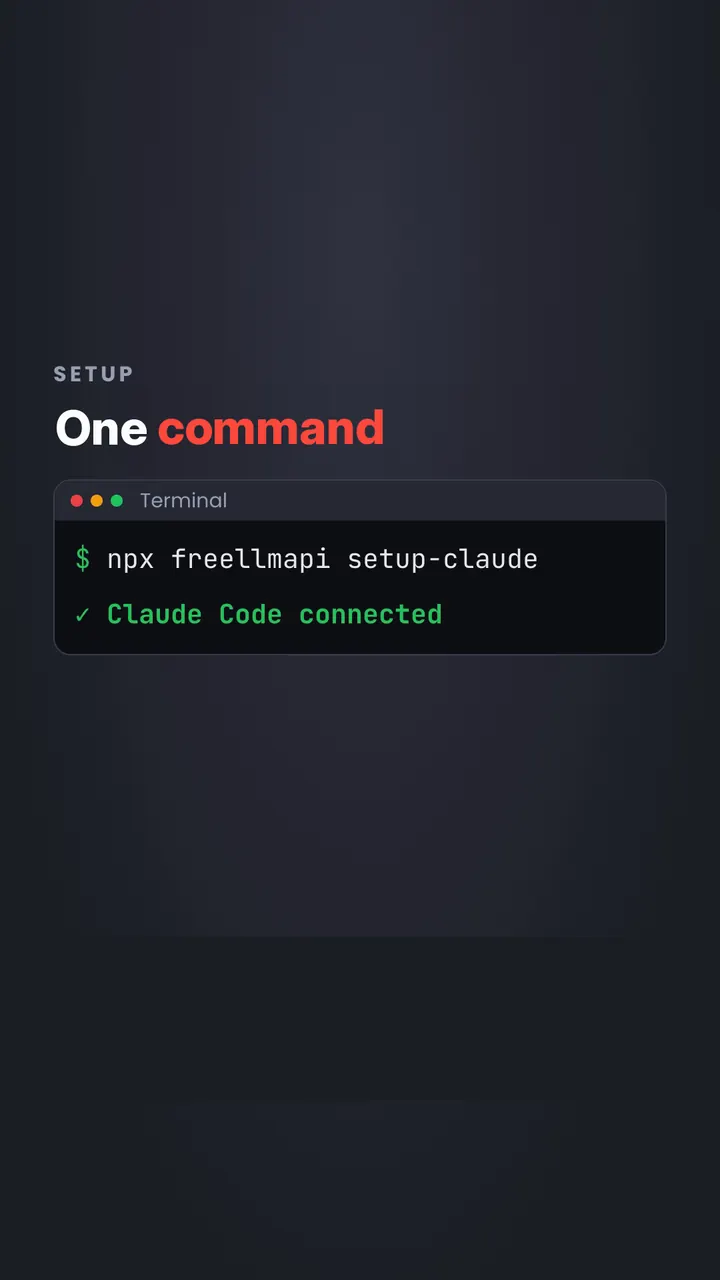
npx freellmapi setup-claude --url http://localhost:3001 --api-key [YOUR_UNIFIED_KEY]
The Reel shows $ npx freellmapi setup-claude without the flags. Use the official command above so the client knows the URL and the key.
Other official helpers include npx freellmapi launch (Claude Code) and npx freellmapi launch-codex (Codex), which keep credentials out of config files. The project also lists setup paths for Cursor, Gemini CLI, OpenCode, Cline, Roo Code, Aider, and other OpenAI, Anthropic, Gemini, or Ollama compatible clients. See the official agent list.
THEN
Your client should now talk to the local router instead of a single provider URL. Next, send a short test request and confirm which model served it.
MAKE IT YOURS
If you already use Cursor, Codex, or another agent, do not guess a command. Copy it from the official agent docs linked above. For a generic OpenAI SDK, the base URL is http://localhost:3001/v1 and the model can be auto.
Step 4: Send a test request with model auto
DO THIS
- Copy one of the test commands below.
- Replace
[YOUR_UNIFIED_KEY]with the unified key from the dashboard. - Run it.
- Confirm you got a reply, then check which model served it (
X-Routed-Viain the Python example, or the dashboard analytics).
from openai import OpenAI

client = OpenAI(
    base_url="http://localhost:3001/v1",
    api_key="[YOUR_UNIFIED_KEY]",
)

response = client.chat.completions.with_raw_response.create(
    model="auto",
    messages=[{"role": "user", "content": "Summarise the fall of Rome in one sentence."}],
)
completion = response.parse()
print(completion.choices[0].message.content)
print("Routed via:", response.headers.get("x-routed-via"))
curl http://localhost:3001/v1/chat/completions
-H "Authorization: Bearer [YOUR_UNIFIED_KEY]"
-H "Content-Type: application/json"
-d '{"model":"auto","messages":[{"role":"user","content":"Say hello in one short sentence."}]}'model="auto" lets the router pick. Official docs also mention auto:fast, auto:smart, a profile, or a specific model id. Every response can carry an X-Routed-Via header with the provider and model that actually served the request.
THEN
If the test works, your setup is complete enough for personal experiments. If it fails, check that the container or desktop app is running, that at least one provider key was saved, and that the unified key is correct.
MAKE IT YOURS
Try a real task from your own work, such as summarising a local README, once the hello-world test passes. Watch how often a 429 appears later in the day. That is expected on stacked free tiers, not a broken install.
Step 5: Read the limits before you rely on it
DO THIS
- Read the official limits and disclaimer once, all the way through.
- Decide whether this router is only for practice, or whether a paid API is the right next step for a real product.
- Keep provider keys and the unified key private.
Official limits the project lists:
- No frontier models.
- Variable latency, and no SLA.
- Quality can dip late in the day as top models hit daily caps, then reset at UTC midnight.
- For personal experimentation and learning, not production.
- If you build something real on top of it, swap in a paid API before you ship.
- Your relationship with each upstream provider is still governed by the terms you accepted when you created that account.
THEN
You now have a local, OpenAI-compatible endpoint backed only by the free-tier keys you added, plus a clear picture of what it is not. Use the builder below if you want the commands filled in for your setup.
MAKE IT YOURS
Treat this as a learning lab. If a client project or a public app needs a stable model, budget for a paid API and keep this router for drafts, experiments, and practice.
Get more prompt packs
I add a new prompt pack with every Reel. Join the email list below and you get a mail when the next one is live. You can also see all packs on the AI Prompts hub, including stickman video prompts and the Claude AI Shorts team setup.
Official sources used for this page: the FreeLLMAPI README, the install guide, and freellmapi.co, checked on 26 Nov 2026. Catalog counts and prices can change.