These are the Claude AI Shorts team prompts from the Reel. Each step tells you exactly what to copy, where to paste it, and what to do next.
Quick answer: how to make YouTube Shorts with a Claude AI team
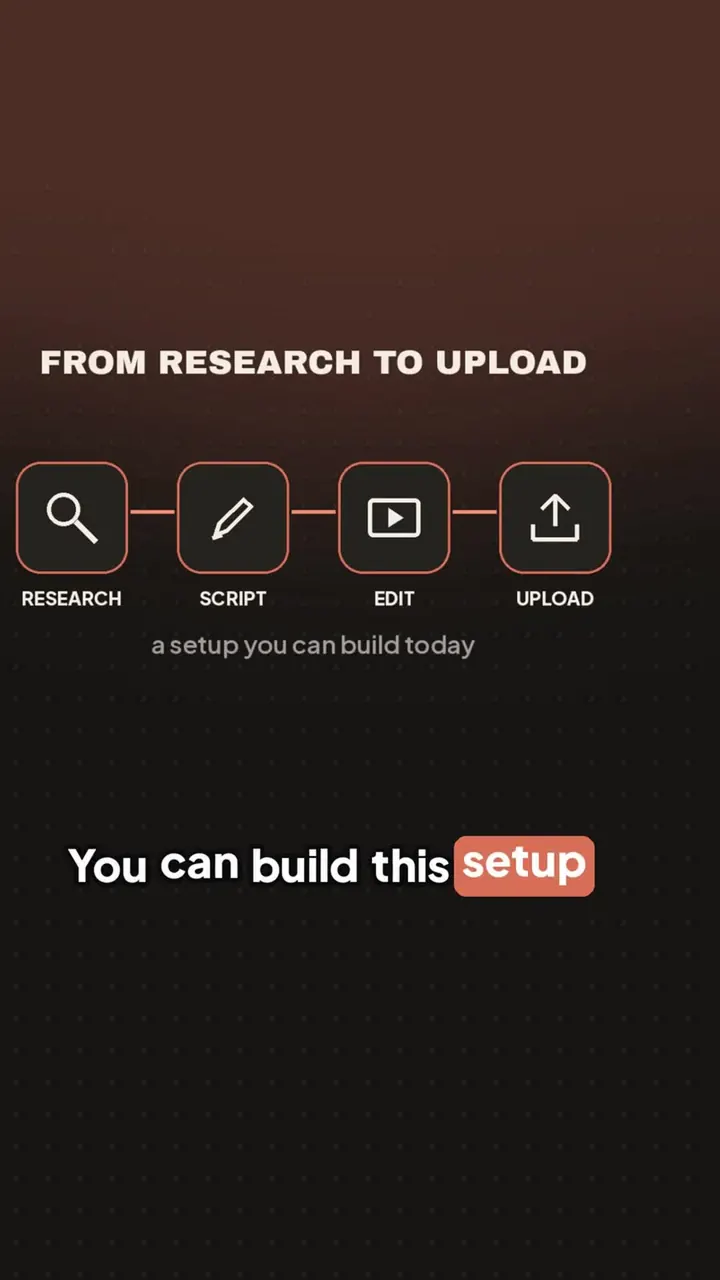
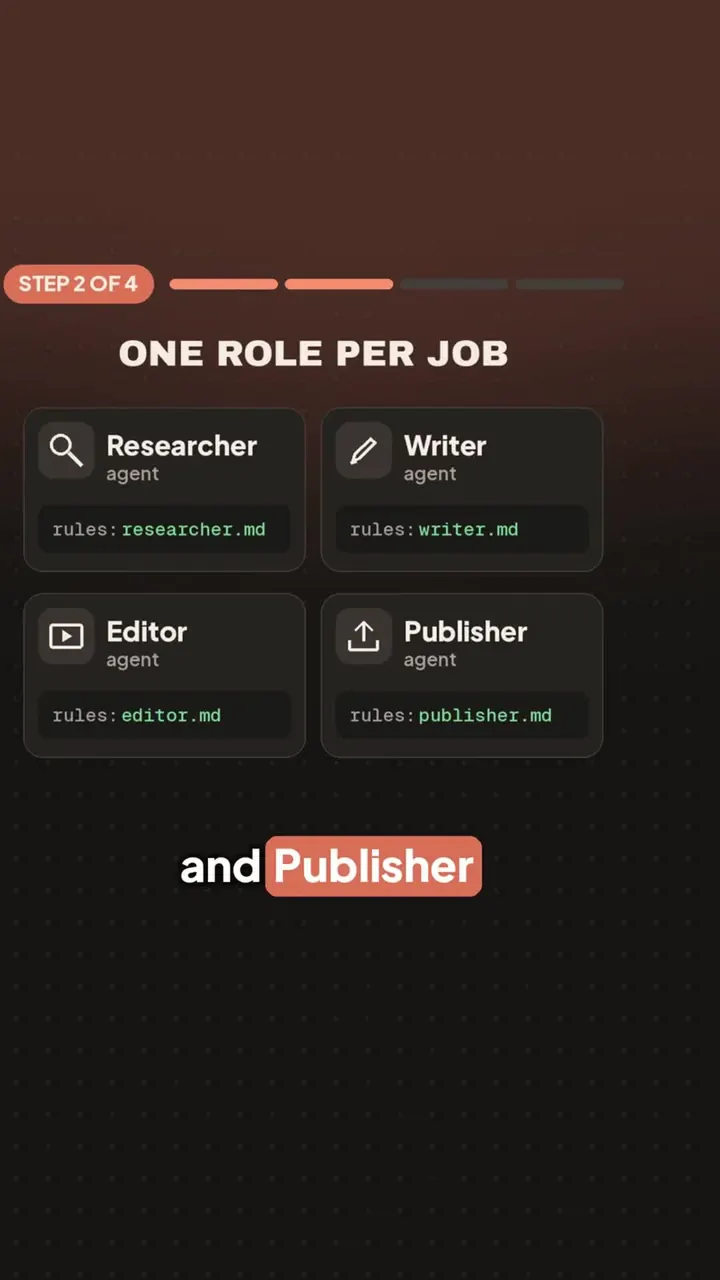
A Claude AI Shorts team is a set of separate roles inside Claude Code. Instead of one chat doing everything, you create four roles, each with its own rules file:
- Researcher finds the topic.
- Writer writes the Shorts script.
- Editor builds the shot list and edit plan.
- Publisher prepares the title, description and hashtags, but never uploads without you.
To set this up, open Claude Code, copy each prompt below in order, and paste it into the project folder. Prompt 4 is the safety rule: Claude must ask before it deletes anything, and it must never upload without your clear yes.
Key takeaways
- One role per job keeps the team focused. Do not let one prompt do research, writing and publishing at once.
- Write the safety rules before you connect any tool that can post or spend money.
- Claude Code needs a paid plan or API credits. Check current pricing first.
- This setup saves time. It does not promise views, income or a fully hands-off channel.
- Improve the rules files when a role gives a weak result, then run the team again.
What you need
- A computer with the Claude app (it has a Code tab). Claude Code needs a paid Claude plan or API credits.
- An empty folder for your team, for example
my-shorts-team. - Optional tools: ElevenLabs for your voice and vidIQ for research. Skip any tool you do not use.
This is a time saver, not an income promise. You stay responsible for every Short or Reel you publish.
Step 1: Open Claude Code and create the team folder
DO THIS
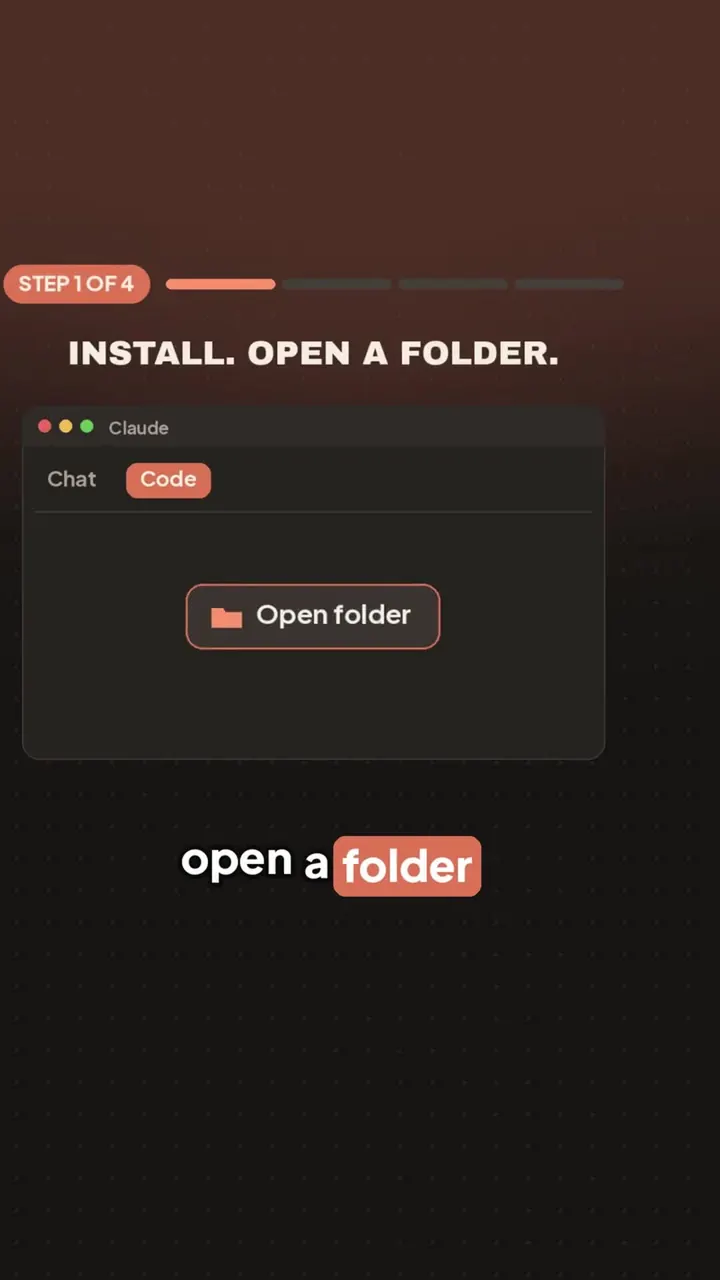
- Install the Claude app and open it.
- Open the Code tab.
- Open an empty folder, for example
my-shorts-team. This folder is the office for your AI Shorts team. - Copy Prompt 1 below.
- Paste it into Claude Code and hit enter.
- Answer the 5 questions Claude asks, one at a time.
Set up this folder as the office for my AI Shorts team.

1. Create a file called CLAUDE.md with these sections: Who I am, My channel, My audience, My language and tone, Team roles, Safety rules.
2. Create a folder called rules and a folder called files.
3. Ask me 5 short questions one by one about my channel (niche, audience, language, tone, and topics I never want to talk about) and write my answers into CLAUDE.md.
4. Do not create anything else yet. When done, show me the folder structure.
THEN
You should see a CLAUDE.md file plus a rules folder and a files folder. Claude will have saved your channel notes. Next, you will add one rules file for each role.
MAKE IT YOURS
In the five questions, describe your real channel, not a generic faceless template. Name the language you actually speak on camera or in voiceover in [language]. Add a clear "never talk about" list so the researcher cannot drag you into topics you do not want.
Step 2: Create one role per job
DO THIS
- Stay in the same Claude Code folder.
- Copy Prompt 2 below.
- Paste it and hit enter.
- When it finishes, open the rules folder and skim each file.
Create 4 roles for my team as separate rules files inside the rules folder: researcher.md, writer.md, editor.md and publisher.md.

For each role write: the job in one sentence, the exact inputs it needs, the output it must produce, and what it must never do.

- Researcher: finds 5 topic ideas for my channel with a simple reason for each, using only sources it can name. It must mark anything it could not verify.
- Writer: writes a 30 to 45 second Shorts script in [language] and in my tone, with a hook in the first 2 seconds and one clear call to action.
- Editor: turns the approved script into a shot list, caption text and an edit plan. It must keep captions away from my face and from the bottom area where buttons cover the screen.
- Publisher: prepares title, description and hashtags and a final checklist. It must NEVER upload or post anything. It only prepares and then asks me.

Add one line to CLAUDE.md that links to each rules file.
Here is a sample researcher file so you can see the shape. You do not have to paste this if Prompt 2 already created a good file.
# Researcher

Job: find 5 topic ideas for my channel for this week.

Inputs: my channel niche and audience from CLAUDE.md.

Output: a numbered list of 5 topics. For each topic give a one line reason and the source you used.

Never:
- Invent facts, numbers or sources.
- Promise income or results.
- Choose topics from my "never talk about" list in CLAUDE.md.

If you cannot verify something, write "unverified" next to it.
THEN
You should have four rules files. Next, you will check which tools Claude can actually use in this project.
MAKE IT YOURS
Edit the writer rules so they sound like you: sentence length, words you never use, and a real hook style from a Short you already like (do not copy that script). If your channel is not in English, keep [language] set to the language you publish in.
Step 3: Plug in your tools
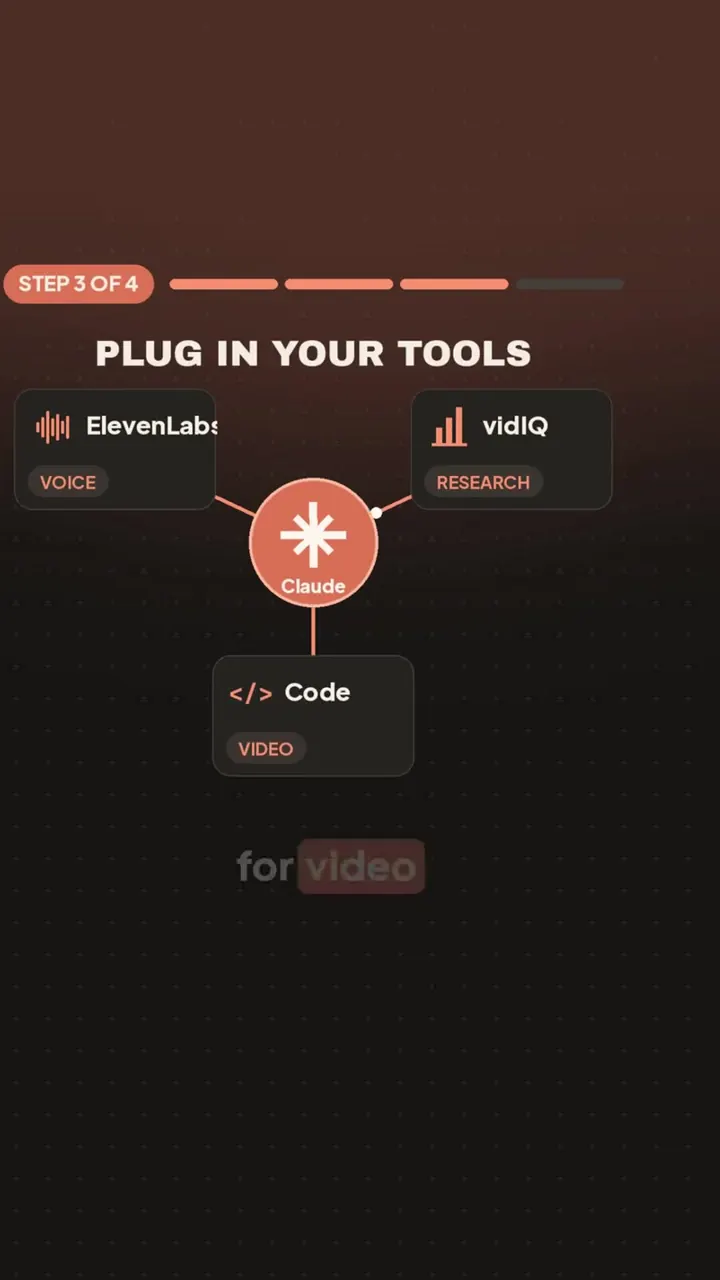
Connect only the tools you already use. In Claude, tools are added as connectors or MCP servers, and which ones are available depends on your plan and the tool. Common examples:
- ElevenLabs for voiceover in your own cloned voice.
- vidIQ for keyword and trend research.
- Code for building or rendering a video with scripts.
DO THIS
- Connect any tools you already use, or skip this if you have none yet.
- Copy Prompt 3 below.
- Paste it into Claude Code and hit enter.
- Read the list. If a tool can post or spend money, leave it off the publisher role.
List every tool and connector you can use in this project. For each one tell me: what it can read, what it can change, and whether it can post or spend money. Then add a section called Tools to CLAUDE.md that says which role may use which tool.
THEN
You now know what the team can and cannot do. Next comes the most important step: safety rules.
MAKE IT YOURS
Do not connect a publishing tool on day one. Run the team as draft only until you trust the output. If you later add a YouTube or Instagram connector, keep the rule that the publisher may prepare a post but must stop and ask you before anything goes live.
Step 4: Add the safety rules
DO THIS
- Stay in the same folder.
- Copy Prompt 4 below.
- Paste it into Claude Code and hit enter.
- Open CLAUDE.md and confirm the safety rules are saved exactly.
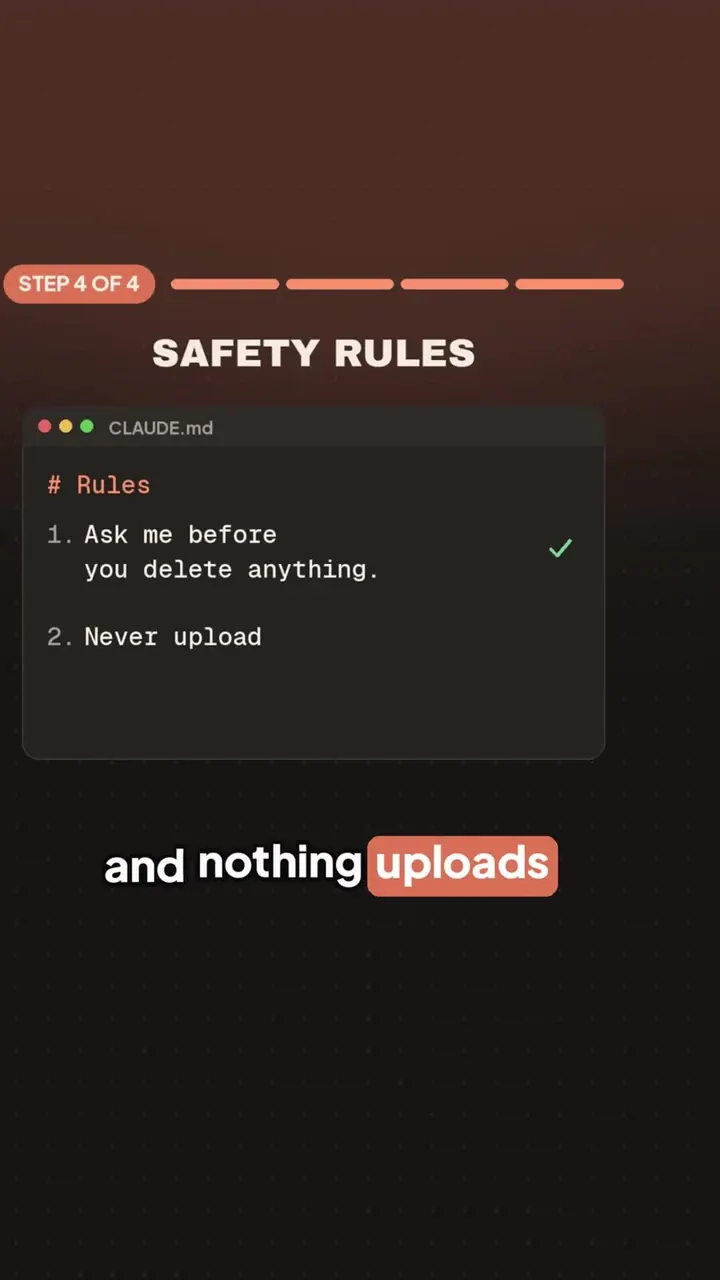
Add this to the Safety rules section of CLAUDE.md exactly as written:

1. Ask me before you delete anything, and tell me exactly which files.
2. Never upload, post, send or publish anything unless I say a clear "yes" in this chat for that exact item.
3. Never spend money, buy credits or change account settings without asking me first.
4. Never invent facts, numbers or quotes. If you are not sure, say so.
5. Before any big change, show me a short plan and wait for my approval.
THEN
The safety rules are now part of the project. Every later run should follow them. Next, you will run the team once on a single video.
MAKE IT YOURS
Add one extra rule that is specific to you, such as "never mention these competitors" or "never use these banned phrases." Short, firm rules work better than a long essay.
Step 5: Run your first Shorts test
DO THIS
- Stay in the same Claude Code folder.
- Copy Prompt 5 below.
- Paste it and hit enter.
- When the researcher gives 5 ideas, pick one and tell Claude which one.
- Approve or edit the script, then let the editor and publisher continue.
- Stop at the checklist. You upload the Short yourself.
Act as my AI Shorts team for one video. Step by step:
1. Researcher: give me 5 topic ideas and wait for me to pick one.
2. Writer: write the script for the topic I pick and wait for my approval.
3. Editor: make the shot list, caption text and edit plan.
4. Publisher: prepare title, description and hashtags, then stop and ask me before doing anything else.
Follow every rule in CLAUDE.md.
THEN
You now have a full pack for one Short: idea, script, shot list and publish checklist. Start your next video from the top of this step, with a new topic.
MAKE IT YOURS
Pick a first-test topic from your own niche, not a generic "top 5 AI tools" script that thousands of channels already use. The writer's hook should mention something only your audience would recognize. That is how AI Shorts automation stays useful without turning into copied content.
Get more prompt packs
New prompt packs go live with every Reel. Join the email list below to get them first, or browse the full AI Prompts hub, including the stickman video prompts.